
VoxBridge

A lightweight Windows desktop text-to-speech application for fast, reliable voice communication in Discord, VRChat, and other voice-enabled applications.
What is it?
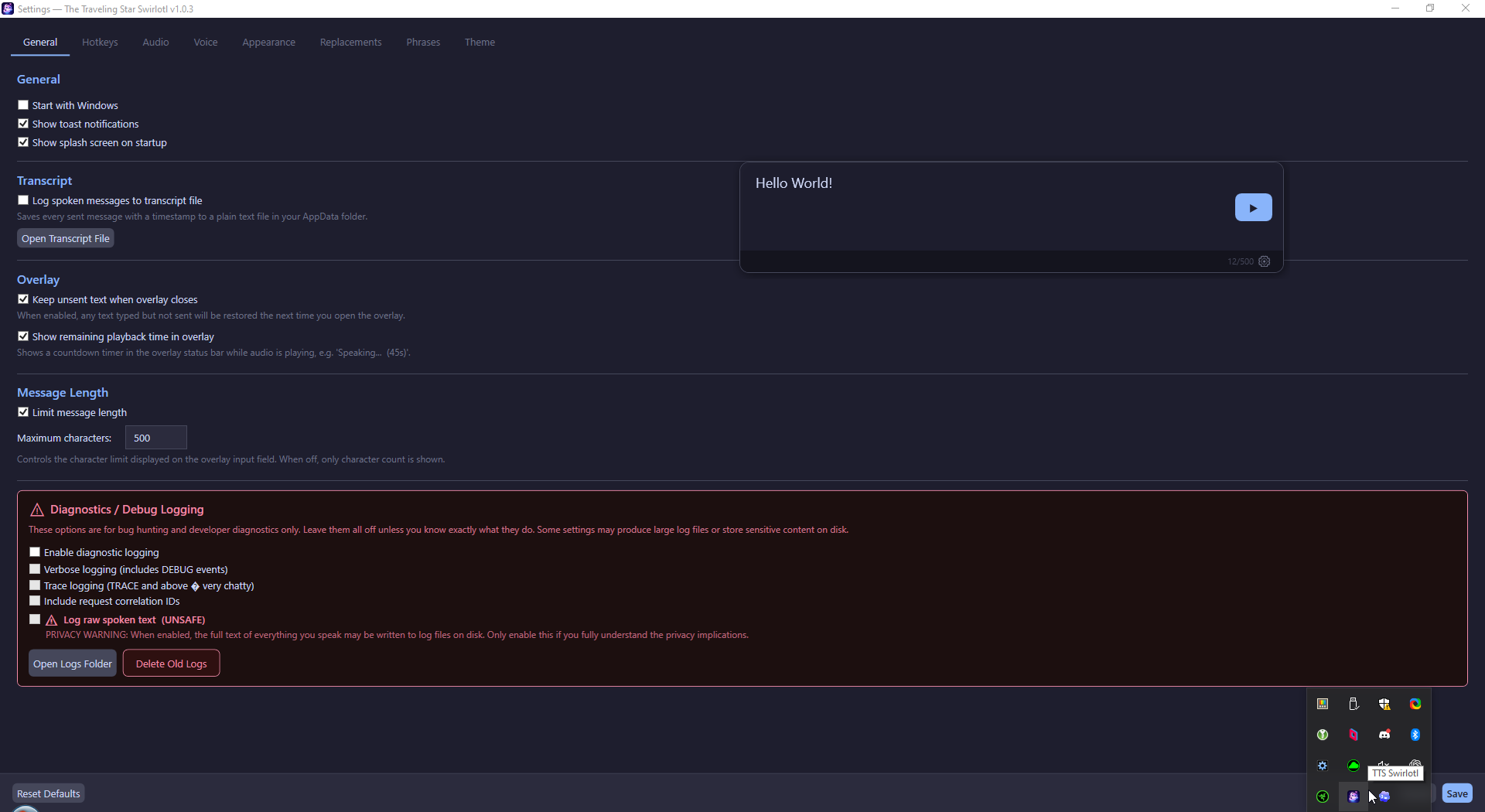
VoxBridge is a communication prosthetic for mute users who need instant, reliable speech in live voice conversations. It lives unobtrusively in the system tray and provides a hotkey-driven overlay for typing messages that are spoken aloud through both your headphones and a virtual audio cable (used as microphone input by Discord, VRChat, etc.).
Start Here
- Getting Started — Installation, requirements, and first-run setup
- Quickstart — Get speaking in 2 minutes
- User Guide — Complete feature documentation for end users
Quick Facts
Quick Start
- Install VB-Cable (or any virtual audio cable)
- Launch the app — it appears in the system tray
- On first run, the Settings window opens automatically
- Select your Monitor Output (headphones/speakers) and Secondary Output (CABLE Input)
- Press Ctrl+Shift+Space to open the overlay, type a message, press Enter
Navigation
- Getting Started — Installation, requirements, and first-run setup
- User Guide — Complete feature documentation for end users
- Troubleshooting — Common problems and solutions